Blogs · 22 Aug 2026 · 18 min
7 Tools for Making Videos with AI in 2026: Generative Models, Creative Studios, and Agent Pipelines
A studio review of Google Flow (Veo 3.1), ByteDance Seedance 2.0, Runway, Remotion, CoAnimator, Video Use, and ngram. Visual AI meets developer pipelines.

Kavya Iyer
Content lead
Content lead, based in India. She writes and directs the marketing: campaigns, landing pages, and the copy that has to convert.

The best AI video tools in 2026 divide into two distinct workflows: generative foundation models (Google Flow with Veo 3.1, ByteDance Seedance 2.0, and Runway) for cinematic visual synthesis and native audio, and programmatic agent platforms (Remotion, CoAnimator, Video Use, and ngram) for deterministic rendering, automated documentation pipelines, and inspectable codebases.
Recording a two-minute product demo takes ten minutes. Editing it into something worth sending takes an hour. For marketing and software teams, that ratio has broken down: explaining what you made ends up costing more time than making the product itself.
In 2026, making videos with AI has split into two mature disciplines. On one side, foundational generative models like Google DeepMind's Veo 3.1 and ByteDance's Seedance 2.0 can synthesize cinematic 4K footage with natively synchronized dialogue and ambient sound from text and reference images. On the other side, programmatic video frameworks and agentic studios like Remotion, CoAnimator, and ngram treat video as an automated software build target that stays in sync with codebases, transcripts, and release pipelines.
This guide reviews the seven AI video tools worth knowing in 2026, comparing their underlying generation engines, technical workflows, licensing models, and commercial limits.
AI video in 2026 is no longer a single category: creative teams use diffusion models for narrative scale, while engineering teams use code pipelines for continuous release demos.
How has AI video production split in 2026?
The AI video landscape in 2026 is divided into two distinct operational paradigms:
- Foundational Generative & Diffusion Models: These tools generate video pixels directly from neural networks trained on millions of video hours. You pass text prompts, reference images, audio stems, or camera vectors, and the model synthesizes continuous motion, physical dynamics, and native audio tracks. They excel at creative storytelling, brand commercials, photorealistic characters, and atmosphere.
- Deterministic Code & Agent Video Pipelines: These tools construct video programmatically from web components, API webhooks, transcripts, or markdown documentation. They do not guess pixels; they render exact user interfaces, data charts, and text animations with frame-accurate precision. They integrate directly into continuous integration pipelines to rebuild whenever product screens or API docs change.
Neither approach replaces the other. High-output organizations use generative diffusion models for high-impact brand campaigns and hero creative, while deploying code-driven agent pipelines for changelogs, onboarding flows, and technical documentation.
The Two Halves of AI Video
Generative synthesis for creative storytelling, code pipelines for deterministic releases
Generative diffusion models turn prompts and character reference images into cinematic clips with native sound. Code-to-video engines turn React components, markdown documentation, and Git repositories into deterministic, version-controlled product videos that update automatically on every deployment.
Pillar 1: Generative Directing
Prompt, image, and camera control
Platforms like Google Flow (Veo 3.1) and ByteDance Seedance 2.0 provide native 4K rendering, multi-modal character referencing, and co-generated dialogue without external post-production.
Pillar 2: Creative Suites
Professional filmmaking controls
Tools like Runway combine generative diffusion with keyframe motion brushes, multi-camera directors, and video-to-video style transforms for studio post-production.
Pillar 3: Programmatic Frameworks
Pixel-exact web rendering
Frameworks like Remotion build video out of React and HTML, executing headless browser renders at cloud scale inside existing web codebases.
Pillar 4: Agentic Pipelines
Release-triggered media builds
Agentic studios like CoAnimator, transcript editors like Video Use, and doc generators like ngram turn plain text and GitHub release tags into finished video walkthroughs via MCP and n8n webhooks.
The 7 AI video tools worth knowing in 2026
The following seven tools represent the strongest options available in 2026 across both generative creation and programmatic developer automation:
Generative Foundation Models & Creative Suites:
1. Google Flow & Veo 3.1  — Google DeepMind's 4K cinematic model with native audio sync
2. Seedance 2.0           — ByteDance's multimodal reference director with quad-modal inputs
3. Runway                 — Creative studio suite with motion brush, camera control, and Gen-4

Programmatic Code & Agentic Video Pipelines:
4. Remotion               — React-based programmatic video framework with AWS Lambda scale
5. CoAnimator             — Desktop agentic studio generating inspectable, editable code
6. Video Use              — Open-source agentic video editor for natural-language footage trimming
7. ngram                  — Automated doc-to-video generation API with native MCP and n8n nodes
1. Google Flow & Veo 3.1 (Google DeepMind)
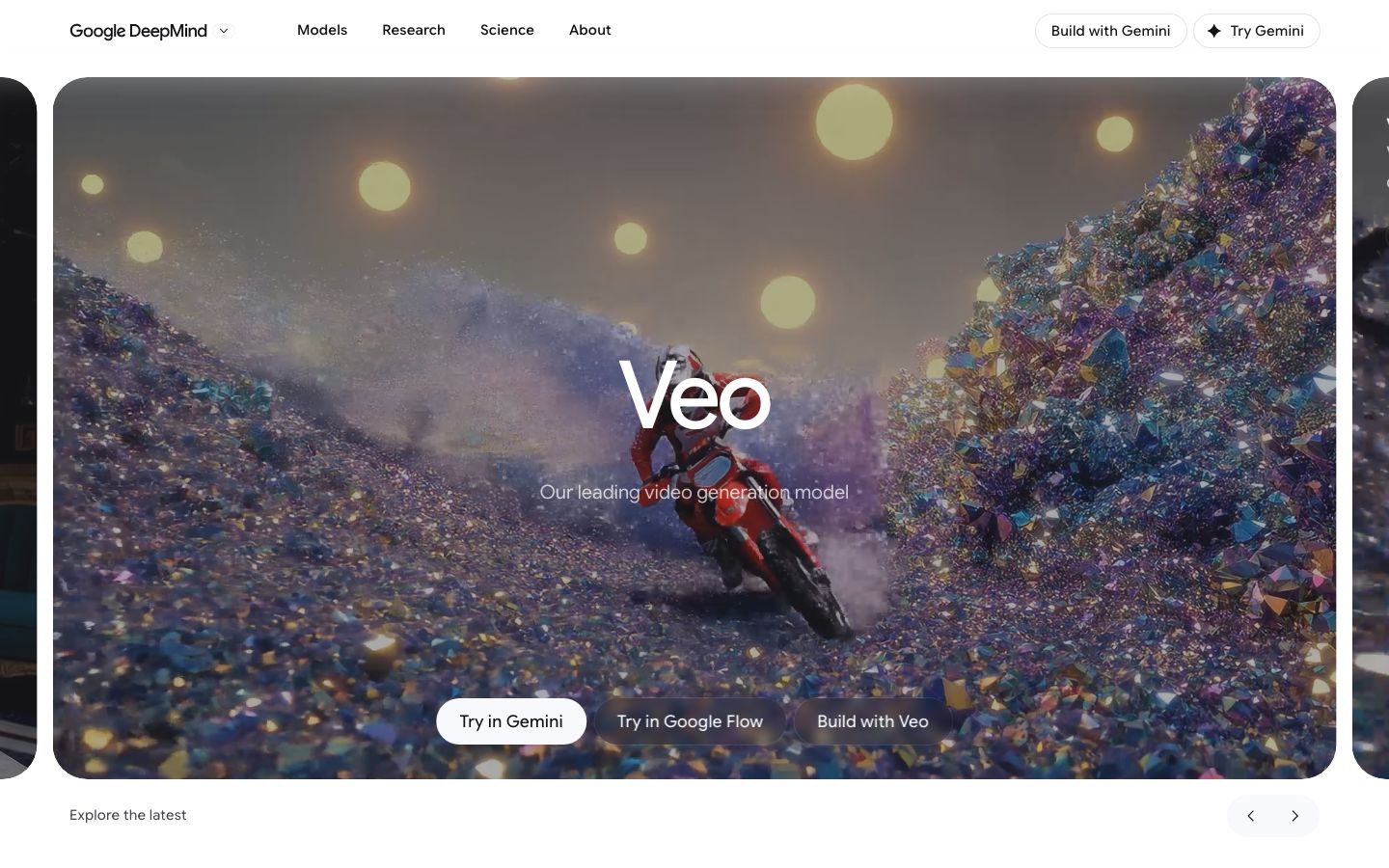
Google Flow is Google's dedicated AI filmmaking workspace designed specifically around Veo 3.1, the flagship generative video model developed by Google DeepMind.
Veo 3.1 generates high-definition video at up to 4K resolution with natively synchronized audio—including character dialogue, sound effects, and spatial ambient audio generated in a single pass without separate post-production audio mixing.
Through the Flow interface, creators can use Ingredients to Video to pin character reference images, style boards, and background plates, ensuring character consistency across sequential shots. It also supports Frames to Video and Scene Extension to build coherent multi-scene narratives.
Core Capabilities
- Native 4K generation with synchronized audio: Produces cinematic 1080p and 4K video clips with co-generated speech, environmental sounds, and Foley effects.
- Ingredients Mode for character consistency: Pin reference images to maintain facial, wardrobe, and aesthetic consistency across multiple sequential generations.
- Scene Extension & Frame Bridging: Chain sequential generations and generate fluid visual transitions between defined first and last frames.
- Developer API via Vertex AI & Gemini: Access the model programmatically via the
veo-3.1-generate-previewendpoint across Python, Node.js, and REST.
Pricing and Access
- Consumer & Pro plans: Available to Google AI Pro ($19.99/mo) and Google AI Ultra subscribers through the Google Flow web canvas.
- Enterprise API: Metered per-second generation pricing via Google Cloud Vertex AI and Google AI Studio.
Best for: Creative directors, brand marketers, and commercial creators who need photorealistic cinematic scenes, multi-shot character continuity, and integrated audio synthesis.
2. ByteDance Seedance 2.0 (Jimeng / Volcano Ark)
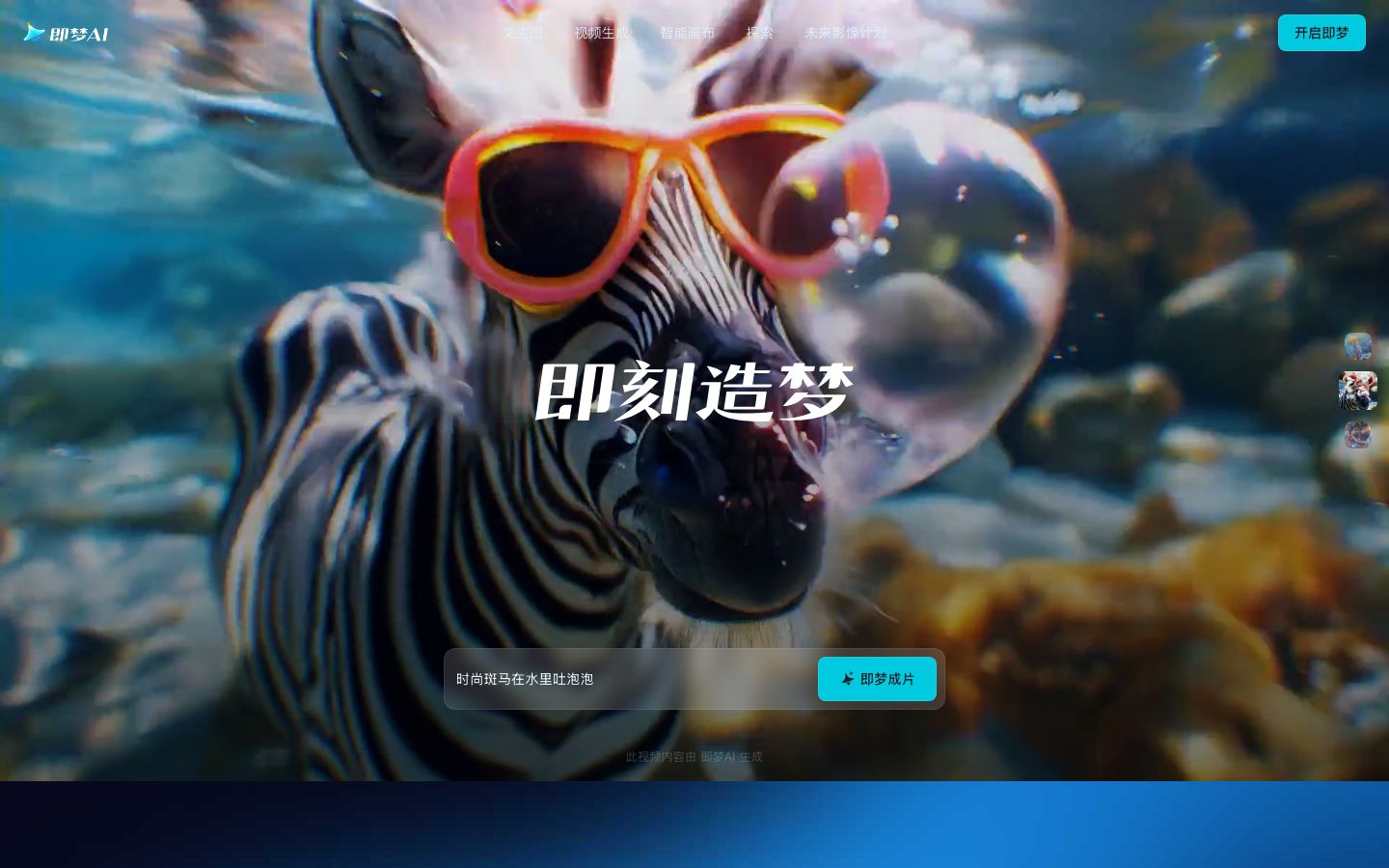
Seedance 2.0 is ByteDance's flagship multimodal video generation model, officially released in early 2026 through the Jimeng platform and enterprise Volcano Ark API.
Built on a unified Dual-Branch Diffusion Transformer (DiT) coupled with a dedicated LLM planning layer (Seed 2.0), Seedance 2.0 supports quad-modal inputs (text, image, audio, and video). Users can pass up to 12 reference assets simultaneously (such as character sheets, lighting references, and background video plates), allowing director-level control over shot composition and physical interaction.
Core Capabilities
- Quad-modal multi-asset conditioning: Reference up to 12 image, audio, and video assets in a single prompt to lock character likeness, art direction, and camera movement.
- Synchronized audio-video co-generation: Natively synthesizes environmental acoustics and dialogue matched to character lip movements in 2K resolution at 24–60 FPS.
- Multi-scene sequence generation: Generates 15–20 second multi-shot sequences that maintain object permanence and scene lighting across angle switches.
- Enterprise deployment: Accessible via ByteDance's Volcano Engine API for automated advertising generation and e-commerce video production.
Pricing and Access
- Consumer access: Available via ByteDance's Jimeng AI and Doubao suites on credit-based plans.
- Enterprise API: Billed on compute usage via Volcano Engine (Volcano Ark).
Best for: High-tempo social video production, commercial advertisements, and narrative creators who need precise multi-reference conditioning and complex physical motion.
3. Runway (Gen-4 & Creative Studio)
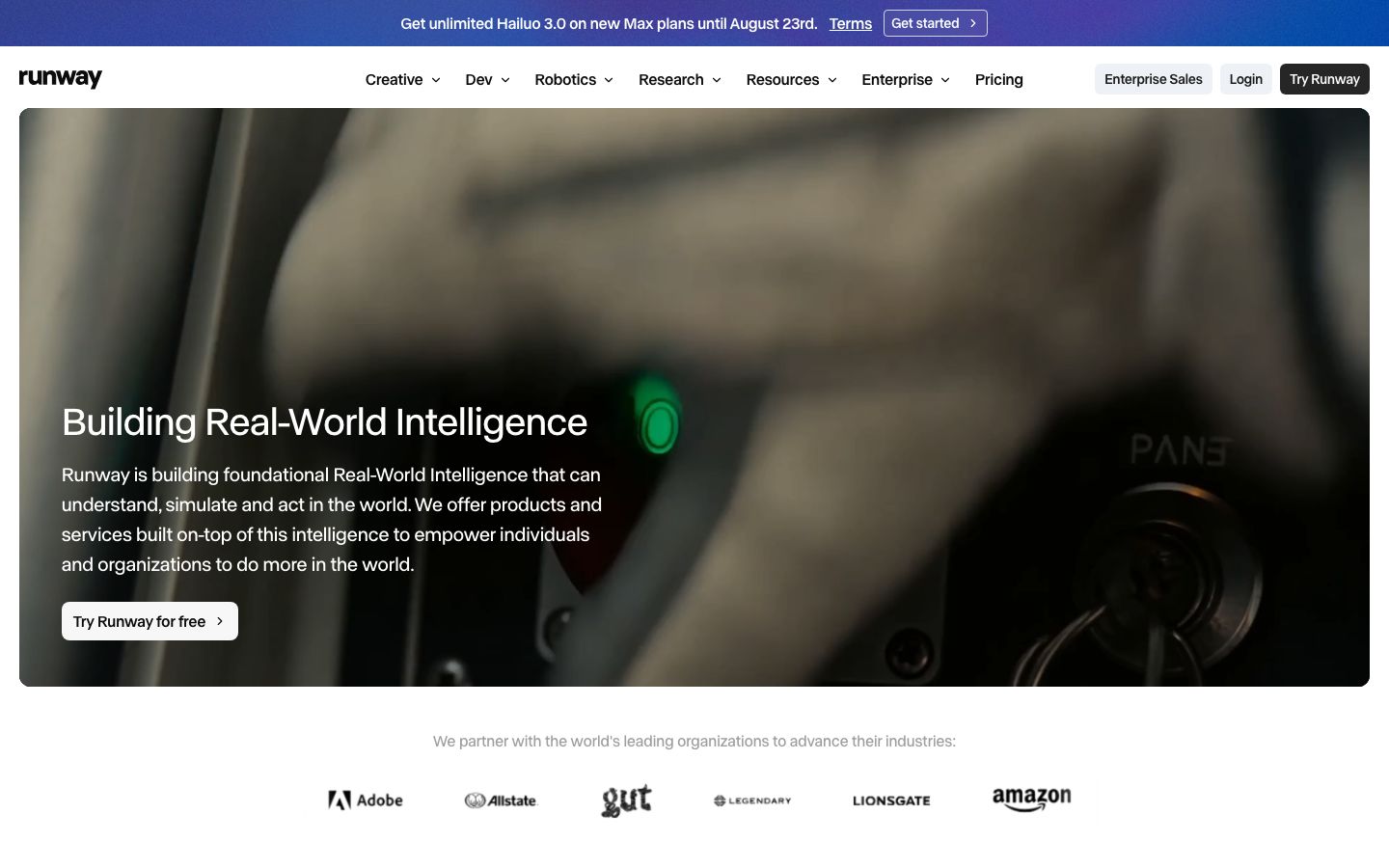
Runway remains the benchmark creative suite for professional video editors, visual effects artists, and agency production teams.
Unlike bare model endpoints, Runway surrounds its foundational video models with fine-grained directorial tooling: multi-point Motion Brush, advanced camera paths (pan, tilt, zoom, roll with exact speed curves), Act-One (facial performance capture from mobile camera video to generated characters), and video-to-video stylistic transformation.
Core Capabilities
- Motion Brush & Regional Dynamics: Paint specific regions of a frame to assign directional velocity vectors while keeping the rest of the scene locked.
- Act-One facial performance capture: Record facial expressions on a standard phone camera and transfer the micro-movements and emotional timing onto any animated or photorealistic character.
- Camera Director controls: Set exact camera trajectories, focal lengths, and orbital paths through a 3D coordinate interface.
- Multi-track web editor: Arrange generated clips, edit transitions, key audio stems, and export in custom aspect ratios within a familiar timeline workspace.
Pricing and Plans
- Standard plan: Starting around $12 to $15 / month (billed annually) for 625 monthly credits and 4K upscaling.
- Pro plan: $28 to $35 / month for 2,250 credits and expanded generation concurrency.
- Unlimited plan: $76 to $95 / month for unlimited relaxed video generations.
- Enterprise: Custom billing with dedicated compute clusters and enterprise security compliance.
Best for: Video editors, visual effects artists, and marketing agencies who require granular creative control over motion vectors, character expressions, and timeline composition.
4. Remotion
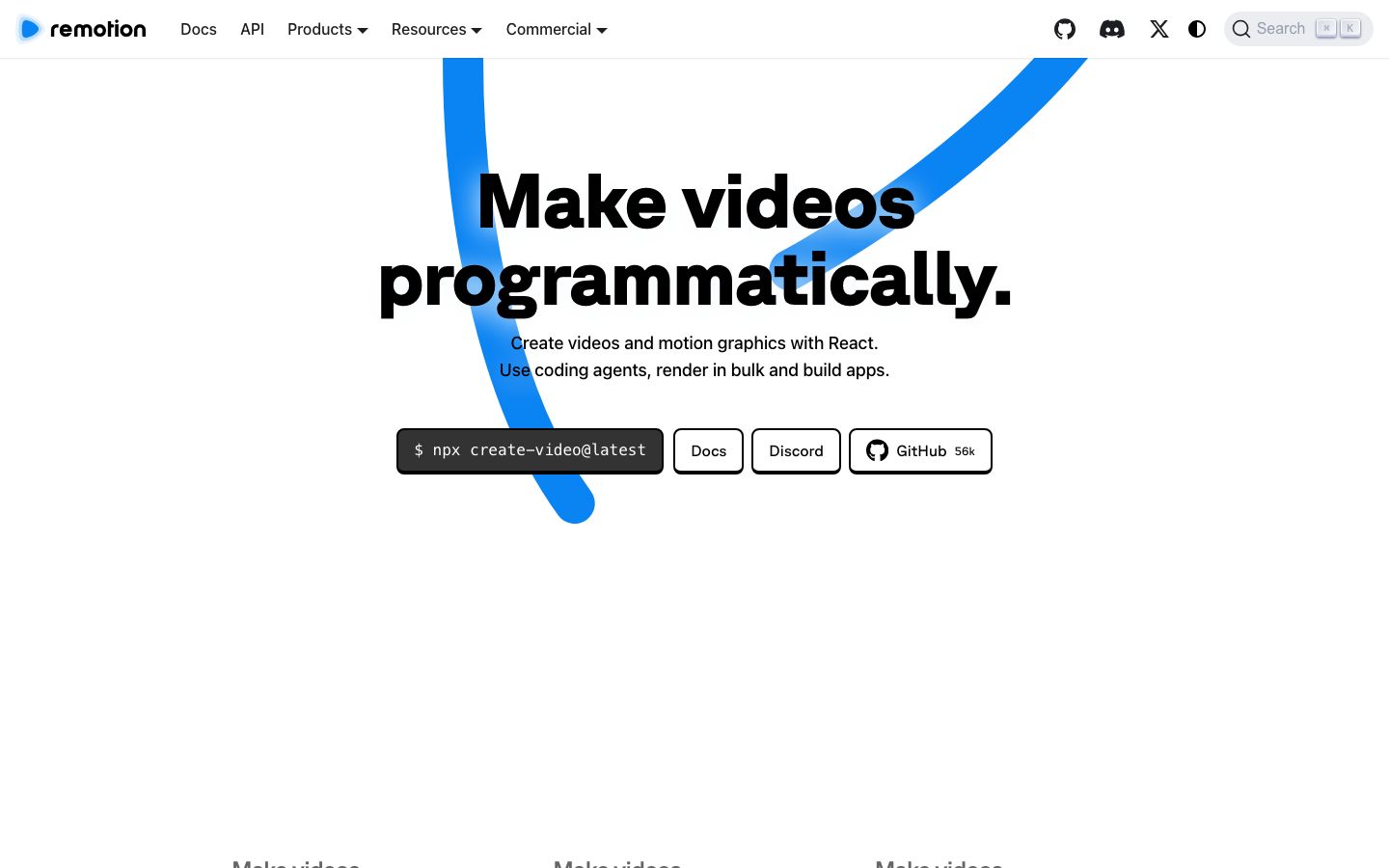
Remotion is the industry standard React framework for building video programmatically. Instead of dragging keyframes in a graphical interface, you construct compositions using web components, CSS, SVG, and WebGL. Every visual property is calculated deterministically as a function of the current frame number, rendering through headless Chromium.
Because Remotion runs within standard React and Next.js environments, teams manage video templates using their existing component libraries, Git repositories, and automated test suites.
Core Capabilities
- React ecosystem integration: Utilize your production design systems, SVG icon sets, and custom typography directly inside video compositions.
- Serverless cloud rendering: Remotion Lambda distributes rendering across hundreds of AWS Lambda functions in parallel, outputting a 10-minute 4K video in under 30 seconds.
- Official AI coding agent skills: Pre-configured skills for Claude Code, Cursor, and Codex allow coding agents to write and preview video components directly in the terminal.
- Embeddable Player: Embed an interactive player component inside client-facing web applications to provide real-time interactive previews before final export.
Pricing and Terms
Remotion's source code is governed by a commercial license at remotion.dev/docs/license/terms:
- Free tier: Free for individuals, non-profits, and for-profit companies with three or fewer employees, commercial use included.
- Remotion for Creators: $25 per seat / month for teams of four or more creating videos manually or with AI coding agents.
- Remotion for Automators: $0.01 per render with a $100 monthly minimum for automated video pipelines, customer-facing video tools, or cloud batch jobs.
- Enterprise: Starting at $500 / month for dedicated support and custom compliance terms.
Best for: Frontend engineering teams building data-driven video products, personalized dynamic video at volume, or UI component walkthroughs.
5. CoAnimator
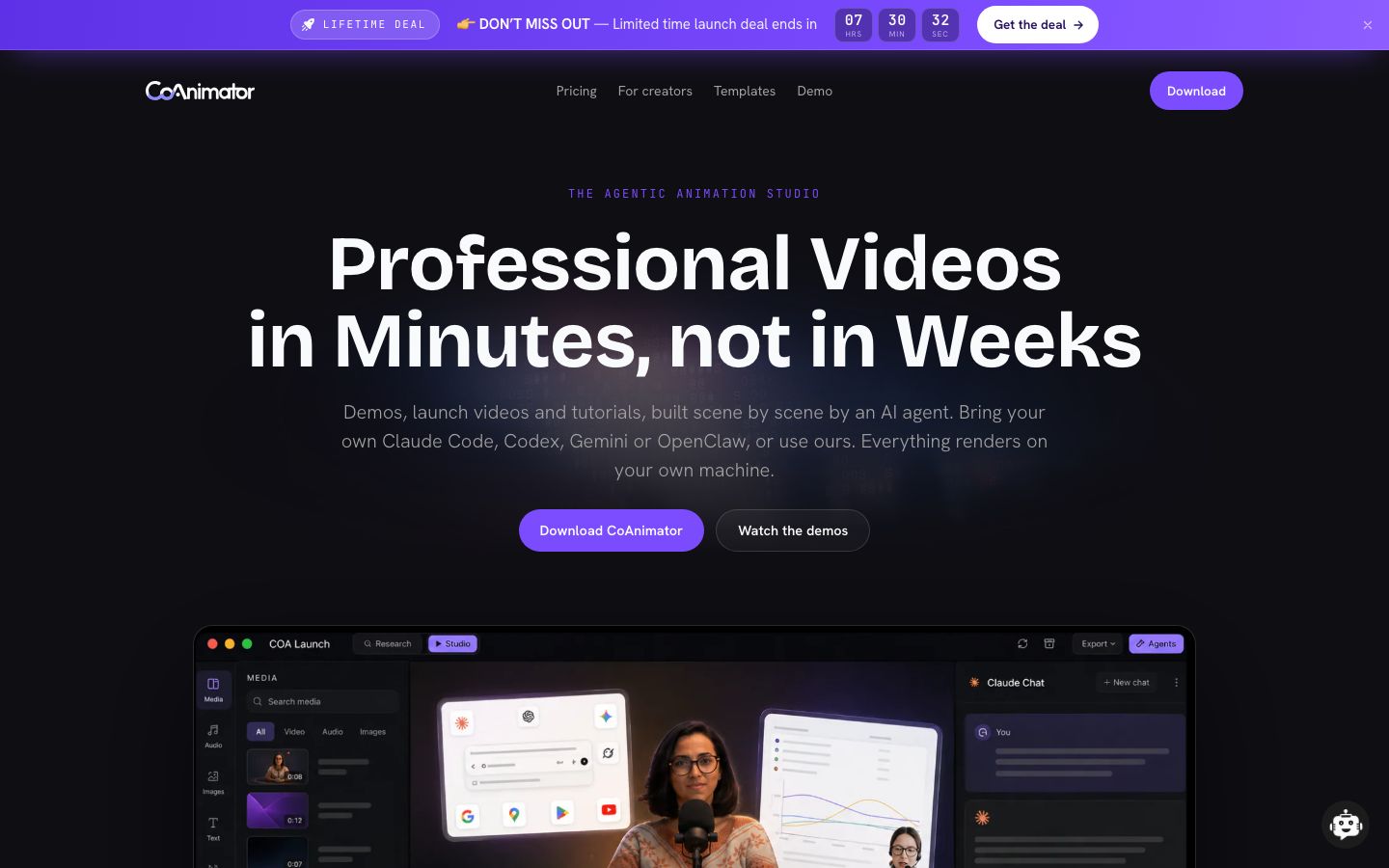
CoAnimator is a desktop application for macOS and Windows, engineered specifically for AI coding agents to author, preview, and edit motion graphics and video projects.
Rather than locking users into a proprietary black-box prompt window, CoAnimator coordinates local AI coding agents (such as Claude Code, OpenAI Codex, or Gemini CLI) to generate real, inspectable animation code. A real-time preview canvas displays the video taking shape as the agent works, and because the output is clean, structured code, the project remains completely open for manual adjustments and Git version control.
Core Capabilities
- Real, editable code output: Generates inspectable code projects rather than locked MP4 binaries, allowing developers to fine-tune timing values, layouts, or color tokens by hand.
- Zero-credit local rendering: Runs entirely on local hardware with zero per-render credit deductions or subscription meters.
- Integrated asset synthesis: Built-in interfaces for text-to-speech voiceovers, AI image generation, and background audio balancing wired to your own API keys.
- WebGL and 3D motion support: Capable of generating 3D scenes, mockups, and shader-driven motion graphics alongside 2D vector layouts.
Pricing and Licensing
- Application cost: Free desktop software for macOS and Windows. Users supply their own API keys for AI agent models and voiceover providers.
Best for: Developers, technical marketers, and product teams who want the rapid iteration of conversational AI generation while retaining complete ownership of clean, hand-editable project files.
6. Video Use (Browser-Use)
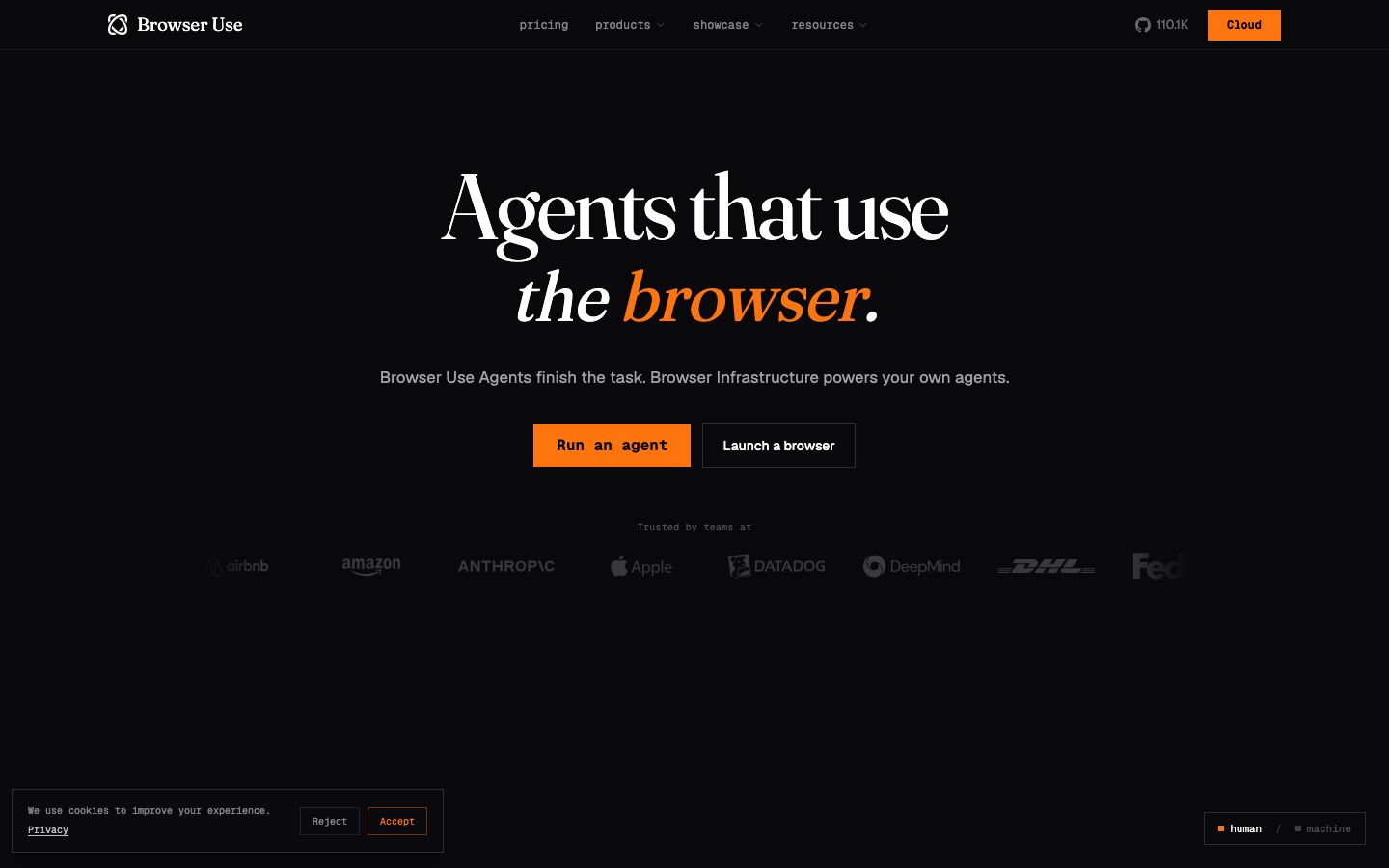
Video Use is an open-source agentic video editing system extending the architecture of the browser-use ecosystem into media production. Unlike tools that synthesize animations from blank canvases, Video Use is built to edit pre-existing footage—including raw screen captures, video podcasts, customer interviews, and raw camera recordings.
Editing long-form video with multi-modal LLMs historically encountered severe cost barriers: feeding raw video frames into vision models consumes tens of millions of tokens in minutes. Video Use resolves this bottleneck by extracting a synchronized timestamped transcript and a sparse sequence of keyframe stills. The AI agent analyzes the text and visual anchors, plans precise cut lists, and renders the edit locally via FFmpeg.
Core Capabilities
- Natural-language timeline editing: Execute complex edits ("Cut all pauses longer than 0.8 seconds, remove filler words, add stylized burnt-in captions, and insert smooth crossfades") via single-sentence prompts.
- Token-efficient transcript-first processing: Reduces LLM token consumption by over 90% by operating on timestamped transcript trees rather than continuous video streams.
- Automated post-production polish: Native automated removal of filler words, automatic speaker framing, audio normalization, and multi-language subtitle styling.
- Persistent project ledger: Logs every editorial choice, trim boundary, and caption style into a version-controlled markdown file alongside the source media.
- Automated sync validation: Runs a local self-evaluation pass post-render to verify audio-video synchronization before marking the task complete.
Pricing and Licensing
- License: Free and open source under MIT / Apache 2.0. Requires API credentials for transcription (Whisper/Deepgram) and LLM reasoning.
Best for: Teams with libraries of raw product recordings, webinars, or founder updates who need high-tempo video editing without manual timeline cutting.
7. ngram
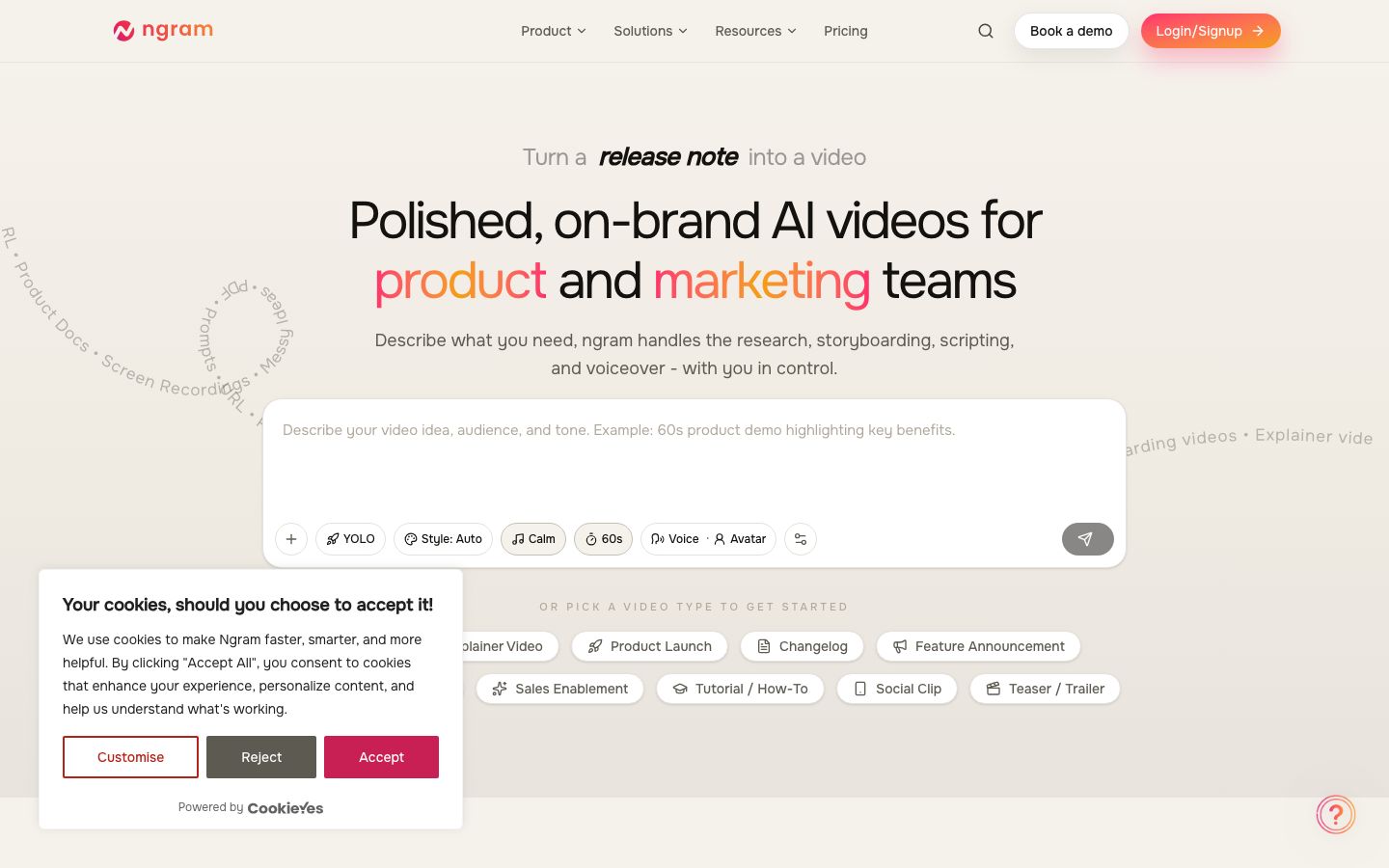
ngram is an enterprise-grade AI demo and release video generation platform engineered specifically for software pipelines. Instead of requiring human timeline editing, ngram ingests documentation, README files, OpenAPI specifications, GitHub release tags, or raw screen recordings and automatically produces narrated, captioned, and brand-styled video assets.
ngram is designed to function as an automated service within release pipelines. With native GitHub Actions, Zapier connectors, n8n webhook nodes, and a hosted Model Context Protocol (MCP) server, an engineering team can configure their repository so that merging a pull request to main automatically generates and publishes an updated product walkthrough.
Core Capabilities
- Document-to-video synthesis: Automatically converts written markdown changelogs, API documentation, or step-by-step guides into synchronized video scenes.
- Developer automation APIs: Comprehensive REST API and hosted MCP server for programmatic job dispatch from CI/CD runners or AI agent workflows.
- Automated code-view highlighting: Automatically zooms, pans, and applies syntax highlighting to code blocks and terminal commands timed to voiceover narration.
- Multi-aspect ratio rendering: Generates 16 widescreen, 9 vertical, and 1 square video cuts from a single project definition file without manual layout reconstruction.
- Multi-language AI localization: Automatically translates scripts and re-generates lip-synced voiceovers in over 30 languages.
Pricing and Plans
- Free tier: Available for basic evaluation and low-resolution watermarked exports.
- Starter plan: Starting around $17 to $29 / month for individual creators and low monthly render volumes.
- Team & Growth plans: Scaling from $99 to $299 / month for expanded credit packs, API access, high-resolution rendering, and custom brand templates.
- Enterprise: Custom annual contracts for dedicated infrastructure, SSO, and custom SLA agreements.
Best for: Product and developer relations teams that require a continuous, hands-off pipeline of changelog clips, API tutorials, and documentation walkthroughs triggered by software releases.
The 2026 Studio Comparison Matrix
The table below compares all seven tools across generation architecture, primary rendering engine, licensing models, and ideal production roles:
| Tool | Category | Core Input | Rendering Backend | Licensing / Commercial Pricing | Automation & API Ready | Primary Best Use Case |
|---|---|---|---|---|---|---|
| Google Flow (Veo 3.1) | Generative Model | Text, Image, Ingredients | Cloud Diffusion / DeepMind | Google AI Pro ($19.99/mo) / Vertex API | Yes (Vertex AI API) | Photorealistic 4K scenes & native audio storytelling |
| Seedance 2.0 | Generative Model | Quad-Modal (Text, Img, Vid, Audio) | Dual-Branch DiT (ByteDance) | Credit plans / Volcano Ark API | Yes (Volcano Engine) | Multi-reference character directing & social ads |
| Runway (Gen-4) | Creative Suite | Text, Video, Motion Mask | Cloud Generative + WebGL | $12–$76/mo / Enterprise tiers | Yes (Runway API) | Agency video editing, Motion Brush, & Act-One |
| Remotion | Code Framework | React, CSS, TypeScript | Headless Chromium / AWS Lambda | Free $\le 3$ staff; paid Company License $\ge 4$ | Native Agent Skills + CLI | Scaled data-driven video & React design systems |
| CoAnimator | Agent Studio | Prompt to Code / Desktop | Local GPU / WebGL / Node | Free desktop app; BYO AI API keys | Built-in Claude/Codex | Prompt-to-code motion graphics with editable files |
| Video Use | Agentic Editor | Raw Video Footage + Transcripts | FFmpeg + Local Transcript Engine | Free & Open Source (MIT) | Terminal agent workflow | Editing & cutting existing raw footage via natural chat |
| ngram | Release Pipeline | Markdown, OpenAPI, Repo | Cloud Document Synthesizer | Free tier; $17–$299/mo paid tiers | Native GitHub, n8n, MCP | Continuous doc-to-video changelog releases |
How to choose the right tool for your project
Selecting the right AI video tool depends on what kind of asset you need to produce, who owns the editing process, and how often the content changes:
- If you need cinematic visual storytelling, photorealism, and native audio: Choose Google Flow (Veo 3.1). Its native 4K resolution and integrated sound generation deliver the cleanest single-pass results for narrative and commercial scenes.
- If you need strict character and style consistency across complex shots: Choose ByteDance Seedance 2.0. Its quad-modal conditioning allows you to reference up to 12 character, lighting, and motion assets in a single generation.
- If you are an editor who needs precise motion brush and camera control: Choose Runway. Its Act-One performance capture and directional motion brushes bridge generative AI with professional timeline editing.
- If you are building in React and need pixel-exact brand UI parity: Choose Remotion. Its component model integrates directly with your existing frontend design system, and Remotion Lambda scales to thousands of concurrent batch renders.
- If you want to describe an animation and get clean, editable source code: Choose CoAnimator. It allows AI coding agents to write real animation files while giving you local preview and manual code ownership.
- If you already have raw screen recordings or interviews to cut: Choose Video Use. It eliminates manual timeline editing by cutting, captioning, and grading footage through transcript-level chat instructions.
- If you need documentation and changelogs converted into video on every Git release: Choose ngram. Its REST API, hosted MCP server, and native n8n/GitHub connectors turn written docs into finished demo clips automatically.
In practice, modern teams combine both halves of the stack: Google Flow or Runway for brand marketing hero videos, and ngram, Remotion, or CoAnimator paired with n8n automation pipelines for ongoing product walkthroughs and changelogs.
Frequently asked questions
What is the difference between generative AI video and programmatic video?
Generative AI video models (like Google Veo 3.1, Seedance 2.0, and Runway) synthesize pixels directly from neural networks based on text, image, and motion prompts. Programmatic video tools (like Remotion and CoAnimator) construct compositions from web code and design tokens deterministically, providing pixel-exact control, interactive data injection, and Git version control.
How does Google Flow with Veo 3.1 handle audio?
Veo 3.1 generates audio natively in a single generation pass alongside video frames. It synthesizes character dialogue, ambient environmental audio, and synchronized Foley sound effects directly from text instructions and scene context, eliminating the need for separate audio generation and timeline alignment.
What makes ByteDance Seedance 2.0 different from other video generators?
Seedance 2.0 uses a Dual-Branch Diffusion Transformer architecture supporting quad-modal inputs (text, image, audio, and video). Users can supply up to 12 reference assets simultaneously to lock character identity, wardrobe, art style, and camera movement across complex multi-shot sequences.
Is Remotion free for commercial use?
Yes, Remotion is free for commercial use by individuals, non-profits, and for-profit companies with three or fewer employees. For-profit companies with four or more employees require a paid Company License: Remotion for Creators ($25 per seat/month) or Remotion for Automators ($0.01 per render with a $100 monthly minimum).
Can AI agents write animation code automatically?
Yes. Desktop tools like CoAnimator and developer frameworks like Remotion provide dedicated agent skills for Claude Code, Cursor, and Codex. These agents write real, inspectable animation code from plain-English descriptions, allowing teams to review diffs and hand-edit output files.
Can an AI agent edit existing video footage without generating everything from scratch?
Yes, open-source tools like Video Use allow AI coding agents to edit pre-existing raw footage through natural-language chat. Video Use extracts timestamped transcripts and keyframe stills, allowing the agent to plan cuts, remove filler words, and style subtitles without burning millions of tokens processing raw video streams.
Which tool is best for turning documentation into video automatically?
ngram is the leading platform for automated doc-to-video generation. It integrates directly with GitHub release tags, OpenAPI schemas, and n8n webhooks to generate narrated, captioned product walkthroughs automatically whenever documentation or code updates are committed.
What is the difference between an AI chatbot and an AI agent in video workflows?
An AI chatbot only answers questions about video production in a chat window, whereas an AI agent takes real action: writing animation components, executing rendering pipelines, inspecting visual diffs, and committing project files to Git. We break down this structural distinction in Chatbot vs AI agent: the difference in the inbox.
The shift ahead: self-updating media in production
Video production is moving from manual creative projects into continuous software infrastructure. The same principles that established Infrastructure as Code (IaC) are now defining Video as Code.
The next standard in developer and product marketing is self-updating media: a pipeline where committing a new feature or updating documentation automatically triggers generative or code-driven rendering, verifies visual quality against design baselines, and deploys updated 4K video assets to your documentation and marketing pages before the team arrives on Monday morning.
At Simplex Digital, we design and deploy end-to-end automation pipelines, high-converting web platforms, and intelligent AI agents—from overnight operations on Vesper to automated customer workflows on Aurelia—that keep marketing and technical operations running without manual maintenance.
Have a product walkthrough, changelog, or customer onboarding flow that your team currently re-records by hand? Contact our studio. We will review your current materials and map out a clean, deterministic video pipeline tailored to your engineering stack.
More from the journal

21 Aug 2026·11 min
AI agent development services: 8 agencies, and who each one is for
Eight AI agent development agencies, Simplex first. Who each is for: a studio, an engineer shop, Big Four, Salesforce, or a first support desk.

Josip Tomić
Partner

20 Aug 2026·14 min
Cited but not recommended? Here's how to fix it
Your URL can sit in the AI sources and your name can still be missing from the shortlist. What citation and recommendation each measure, and what to change first.
Kavya Iyer
Content lead